E-Signature Software: The Complete Guide to Compliance & CRM Integration
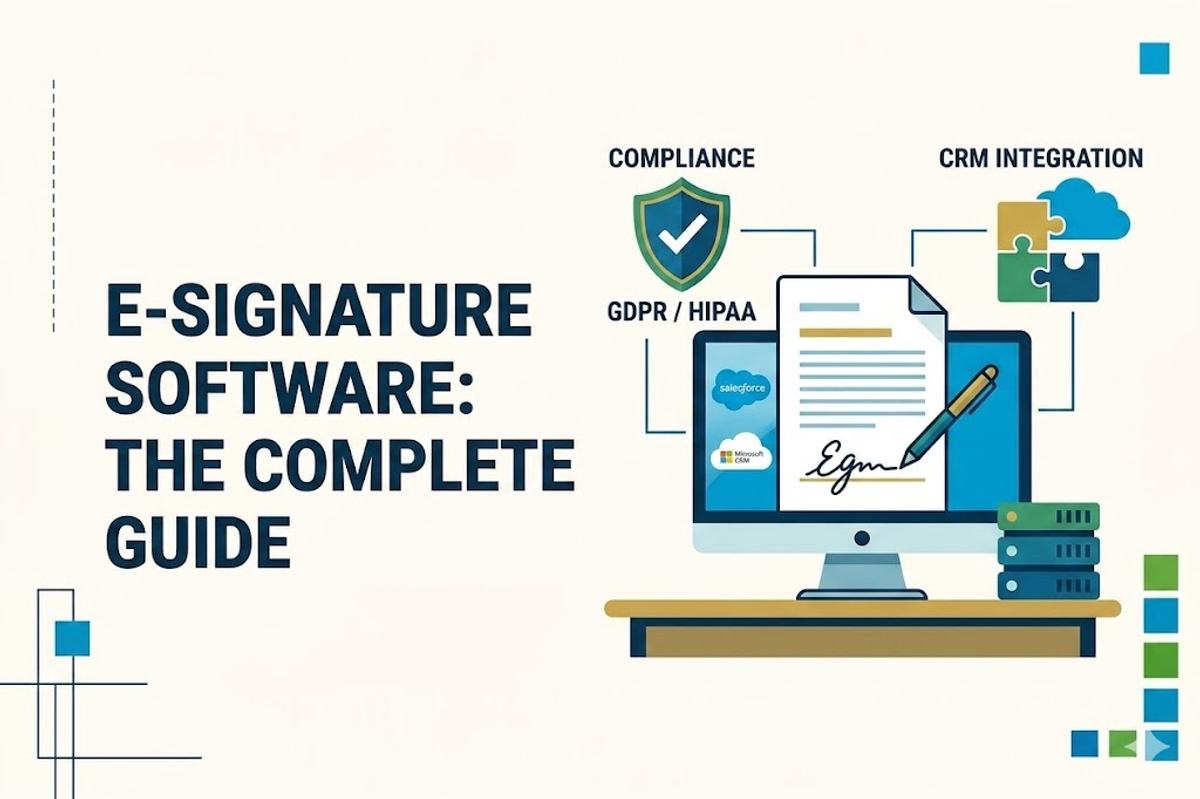
The days of printing, signing, scanning, and emailing PDF contracts are behind us. E-signature platforms have become mission-critical infrastructure for sales, legal, and operations teams, but picking the wrong one can mean compliance gaps, CRM data silos, or surprise invoice spikes. This guide breaks down what actually matters.
Compliance Frameworks to Know
Before evaluating any vendor, you need to understand which legal frameworks govern your signing use case. Getting this wrong isn't just a compliance headache, it can invalidate contracts entirely.
ESIGN Act & UETA (United States)
The Electronic Signatures in Global and National Commerce Act (ESIGN) is the federal foundation for e-signature validity in interstate commerce. UETA is the state-level equivalent, adopted in 49 states. Together, they make electronic signatures legally equivalent to handwritten ones for most business contracts.
eIDAS (EU & UK)
eIDAS establishes three tiers of electronic signatures, Simple (SES), Advanced (AES), and Qualified (QES). QES is the gold standard: legally treated as equivalent to a handwritten signature and required for certain high-value contracts in EU member states.
HIPAA (US Healthcare)
If protected health information (PHI) flows through your e-signature platform, you need a signed Business Associate Agreement (BAA) from your vendor. "HIPAA compliant" on a marketing page means nothing without a BAA. Always request the BAA template before you buy.
21 CFR Part 11 (FDA · Life Sciences)
Required for electronic records and signatures in FDA-regulated pharma, biotech, and medical device workflows. This is the most demanding certification in the industry, only a handful of vendors genuinely support it.
SOC 2 Type II & GDPR
SOC 2 Type II is an independently audited security controls report and has become a buyer baseline for any SaaS tool. GDPR applies if you're processing the personal data of EU residents, you'll need to verify data residency options and processing agreements.
Vendor Comparison at a Glance
Here's the full competitive landscape at a glance. Native = first-party app on AppExchange or HubSpot App Marketplace, not a Zapier bridge. That distinction matters enormously for data sync reliability and workflow automation.
| Vendor | Salesforce | HubSpot | HIPAA | 21 CFR | SOC 2 II | Entry Price |
|---|---|---|---|---|---|---|
| DocuSign | Native | Native | ✓ | ✓ | ✓ | $25/user/mo |
| Adobe Acrobat Sign | Native | Native | ~ | ✓ | ✓ | $17/user/mo |
| PandaDoc | Native 2-way | Native 2-way | ✓ | , | ✓ | $19/user/mo |
| Dropbox Sign | Native | Native | ~ | , | ✓ | $15/user/mo |
| OneSpan Sign | Native | API/Zapier | ✓ | ✓ | ✓ | $22/user/mo |
| GetAccept | Native | Native | ~ | , | ✓ | $25/user/mo |
| BoldSign | Native | Native | ✓ | , | ✓ | Free / $15/user/mo |
| Signeasy | API/Zapier | API/Zapier | ✓ | ✓ | ✓ | $20/user/mo |
~ = available on higher-tier or enterprise plans only. Always verify compliance claims with the vendor before purchase.
Understanding Real Cost: The Hidden Pricing Levers
Headline prices cluster at $15–50/user/month. But real annual costs can diverge by 3–10× once you factor in three hidden levers that most buyers only discover after their first invoice.
1. Envelope & Transaction Caps
DocuSign Standard and Business Pro cap at 100 envelopes per user per year. Adobe Acrobat Sign team plans cap at 150 transactions per user per year. Overages run $3–8 per envelope, and they snowball fast in a busy sales org. PandaDoc, BoldSign, Signeasy, and Dropbox Sign all offer unlimited sends on paid plans.
2. Tier-Gated Features
HIPAA compliance, native Salesforce connectivity, bulk send, ID verification, and QES are routinely locked to higher-tier or enterprise plans. DocuSign's Salesforce connector sits on Enhanced/enterprise. Adobe's HIPAA compliance is enterprise-only. PandaDoc's CPQ is an Enterprise add-on.
3. Metered Add-Ons
SMS delivery (~$0.40/send), ID verification (~$2.50+/attempt), Knowledge-Based Authentication, and QES all bill per use at most vendors. A $25/seat plan can easily run $50+ effective per seat once your team uses these features at volume.
Vendor Profiles
Strengths, trade-offs, and the buyer profile that fits each platform best.
DocuSign, The category incumbent
Tags: Enterprise · Life Sciences · Most Integrations. Best for: Regulated industries, large enterprises, teams with international or QES needs. Broadest ecosystem but watch the envelope caps and SKU sprawl.
Adobe Acrobat Sign, Natural fit for Adobe/M365 shops
Tags: Adobe Ecosystem · Microsoft 365. Best for: Finance and legal teams that live in PDFs. Most affordable team entry price but HIPAA and FERPA are enterprise-only.
PandaDoc, Beyond signatures: proposals, CPQ, payments
Tags: Quote-to-Close · Unlimited. Best for: Sales and revenue-ops teams that want proposal, signing, and payments in one tool. Most expensive if you only need pure e-sign.
Dropbox Sign, Formerly HelloSign · clean and fast
Tags: SMB-Friendly · Powers HubSpot Quotes. Best for: SMBs and HubSpot users. If you're on HubSpot Sales Hub Pro/Enterprise, you may already have basic e-sign included.
OneSpan Sign, Compliance-first · for when regulators are in the room
Tags: Banking · Gov · Insurance. Best for: Heavily regulated industries where the signature is a compliance artifact in itself. Note: HubSpot integration requires middleware.
GetAccept, E-sign + deal rooms + buyer engagement
Tags: Sales Enablement · Deal Rooms. Best for: Sales teams that want visibility into how prospects engage with documents before signing. Not optimized for healthcare/life sciences.
BoldSign, Newer, value-oriented DocuSign alternative
Tags: Value Tier · Free Plan · AES-256. Best for: Cost-conscious teams that need enterprise-grade compliance basics (SOC 2, GDPR, HIPAA, PCI DSS) without enterprise pricing.
Signeasy, Mid-market with a strong compliance footprint
Tags: Mid-Market · Mobile-First · 21 CFR. Best for: Mid-sized healthcare and regulated orgs that want a modern UX. Note: Salesforce/HubSpot integration is via API/Zapier, not native.
Choosing the Right Platform for Your Business
Selecting the right e-signature tool depends on your compliance requirements, CRM stack, and document volume:
- •For 21 CFR Part 11 / life sciences → DocuSign, OneSpan, or Signeasy
- •For native Salesforce two-way sync → DocuSign, PandaDoc, or Adobe Acrobat Sign
- •For HubSpot-native quote signing → Dropbox Sign (already powers HubSpot Sales Hub)
- •For full proposal + sign + pay workflow → PandaDoc
- •For budget-conscious teams needing compliance → BoldSign or Signeasy
Ready to Untangle Your Document Workflow?
E-signature is more than just going paperless, it's about closing deals faster, staying compliant, and connecting your signing workflow directly to your CRM data. The right platform is the one that matches your compliance obligations and plugs natively into the tools your team already uses.
Reach out to us to discuss how we can streamline your contract and signature workflow and drive business growth!